03 / App authenticity and purchase details
Verify the official App Store listing
Shadowrocket Guide is the official Shadowrocket website and manual. Verify the app using details on its product page: check the developer, official icon and app ID together. Do not rely on the app name or its position in search results alone.
Developer, icon and app ID
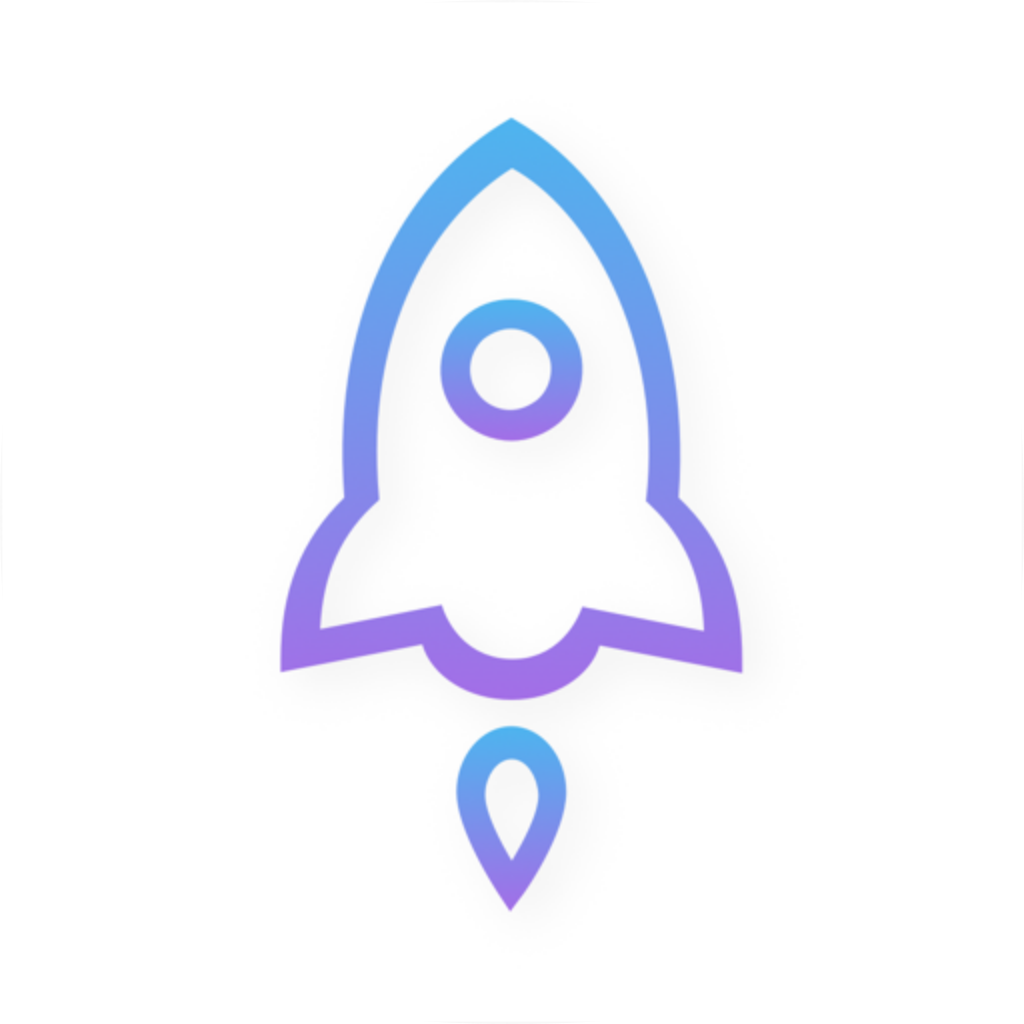
Open the App Store product page and confirm the name is Shadowrocket. Check that the developer is Shadow Launch Technology Limited, compare the app icon with the official icon shown here, then verify that the product page URL contains id932747118. Search results may include similarly named apps, so do not rely only on a familiar nickname in the title. All three details should match.
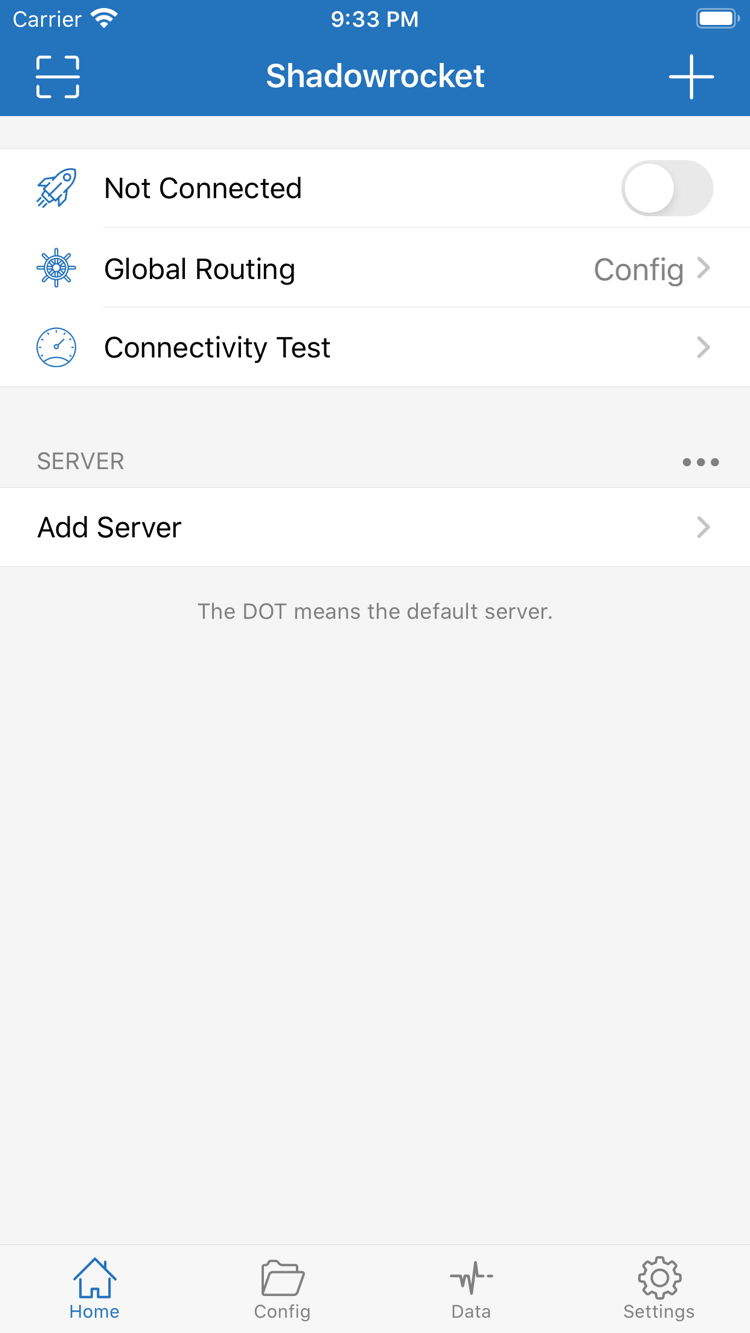
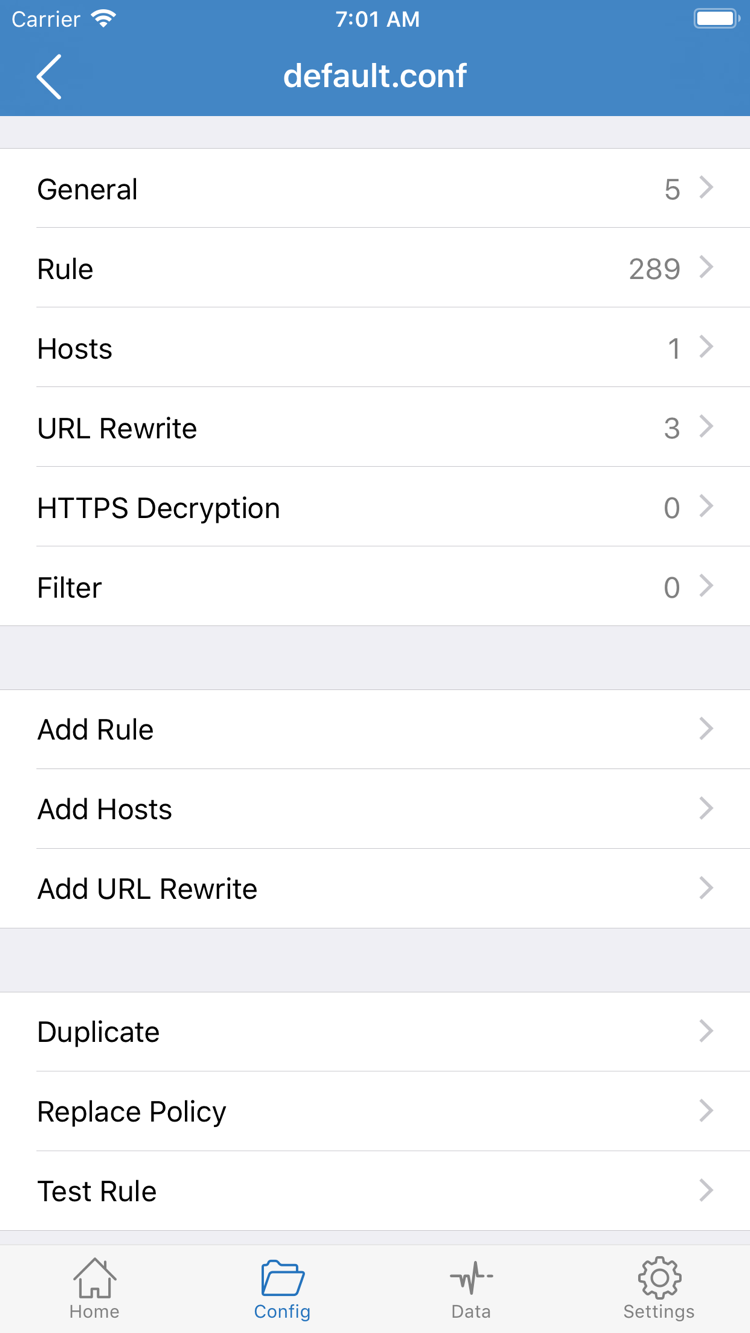
Shadowrocket is a closed-source commercial app. Read feature information alongside the official in-app interface and App Store listing. Prices, compatibility and purchase terms are as shown in the store at the time. This manual does not maintain a fixed version list. If a button has moved, use interface terms such as Home, Config and Settings to find the relevant feature.
What does the one-time purchase include?
A one-time app purchase ≠ a service plan. The US storefront price is about $2.99 as a one-time payment; other storefronts display prices in local currency. The final price is the amount shown on the App Store page and purchase confirmation. You are paying for the client app, not a subscription URL, server account or term of network service.
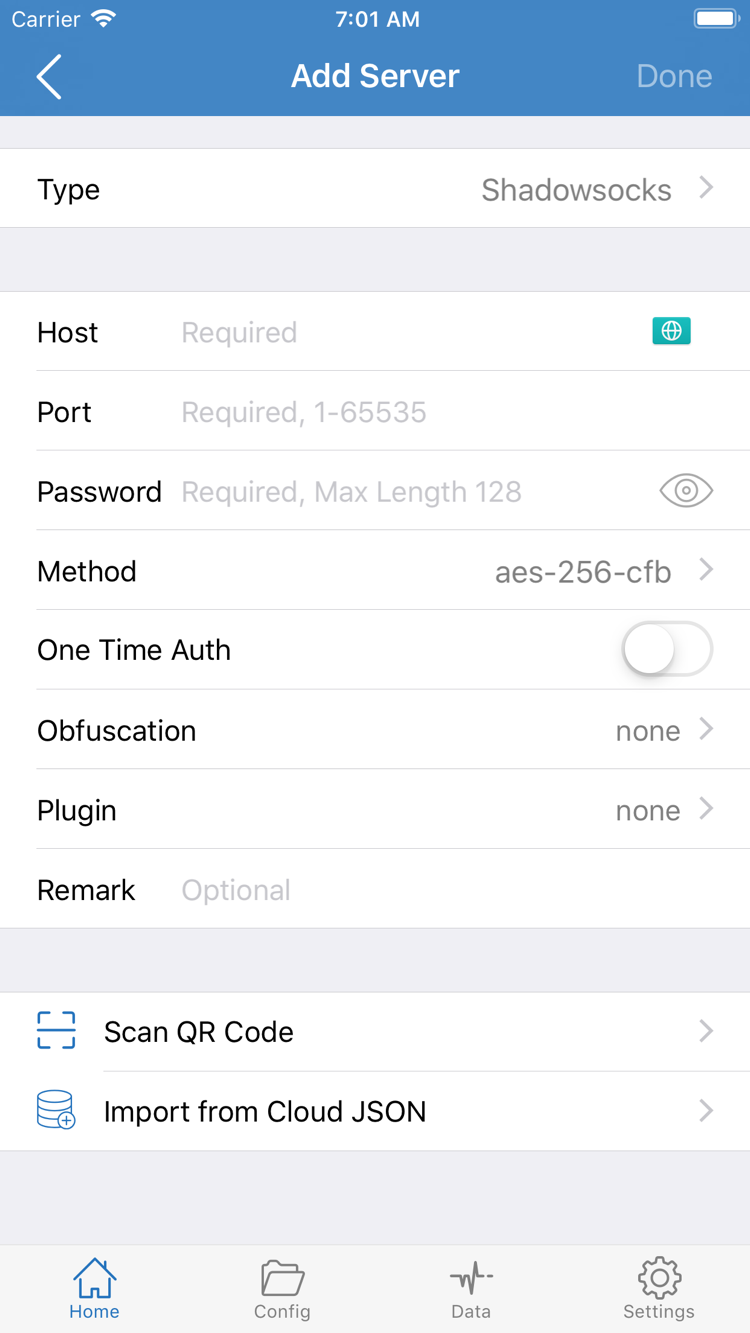
This site does not provide, sell or recommend servers or subscriptions. It explains how to import and manage information you already have. After purchasing the app, you still need your own subscription or server details, then select a server, set Global Routing and test the connection. A subscription’s validity period, data allowance and availability are separate from app purchase eligibility; one does not determine the other.
Storefront availability and account region
Currency, visibility and purchase terms can vary across App Store storefronts. If you cannot find the app in search, use the product link provided on this page to check what your current storefront shows, then verify your account region and device compatibility. Do not assume the app has changed just because it does not appear in search, and do not mistake a similarly named result for the same product.
Before purchasing, check the devices and system requirements in the compatibility section. Universal purchase availability is also as listed on the App Store page. Network settings on your device do not change purchase records on your store account. If the purchase status shown does not match what you expect, first confirm that the Apple ID you use for the App Store is the original purchase account, then continue with restoration.
Restoring purchases and updating the app
After changing devices or reinstalling, use the Apple ID from your original purchase to find Shadowrocket in your App Store purchased items, then download it again according to the status shown. If you cannot find the record, check the account and purchase history. Family Sharing eligibility depends on the App Store page and your account; do not assume it applies automatically to every purchase.
Update Shadowrocket through the App Store. Depending on your device settings, updates can be automatic or checked manually. Updating the app and updating Subscribe content are separate actions: the former updates the client; the latter refreshes your server entries. Keep a copy before making significant configuration changes. After restoring or updating, check the active configuration, default server and connection test results.